
PXS Desktop is coming to Android
A desktop for every screen, built AnyScreen-first so it works on phones and tablets that can't drive a cable screen.
- Android
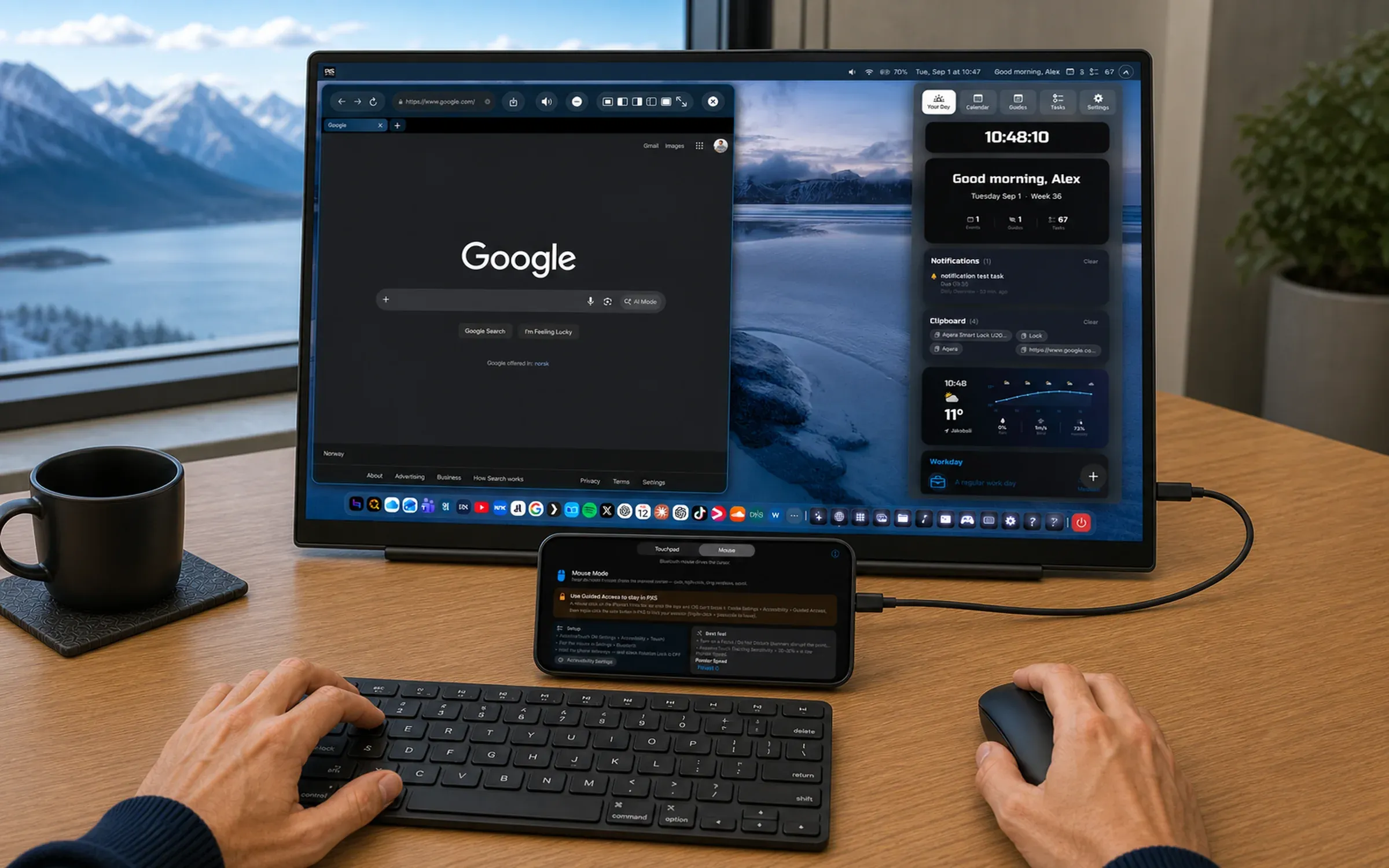
Android already has a desktop mode of its own on a handful of recent phones, and it needs a USB-C port that carries video. Most Android phones don’t have one. PXS for Android is built the other way round: AnyScreen first.
A desktop for every screen
- Any browser is a screen. AnyScreen streams the desktop to a laptop, a smart TV or a hotel TV. No cable, no special port.
- A tablet is a computer. DirectScreen runs the whole desktop on the tablet’s own screen, by touch.
- A monitor, when you have one. On phones with USB-C video output, plug straight into a monitor or TV and get the desktop at the screen’s own resolution.
What’s on the desktop
The same PXS as on iPhone: real windows with snapping, minimizing and fullscreen, a dock, a launcher you can talk to, a desktop-class browser, web apps with their own windows, files, photos, PDFs, video, widgets and games.
Some things are Android’s own:
- Your phone’s notifications show up on the desktop.
- A window overview lays all your windows out as cards.
- Snap by dragging a window against the edge of the screen.
What it doesn’t do
PXS draws its own desktop, so it doesn’t run your installed Android apps in its windows; no app from the Play Store can. What it gives you instead is the rest of a computer, on whatever screen is in front of you.
PXS Desktop for Android is coming soon to Google Play.