
3D mode: a desktop with depth in your AR glasses
PXS 1.2 adds a 3D mode for AR glasses. The desktop is drawn once for each eye with the wallpaper behind the windows, and films, photos and the pictures on a web page get depth.
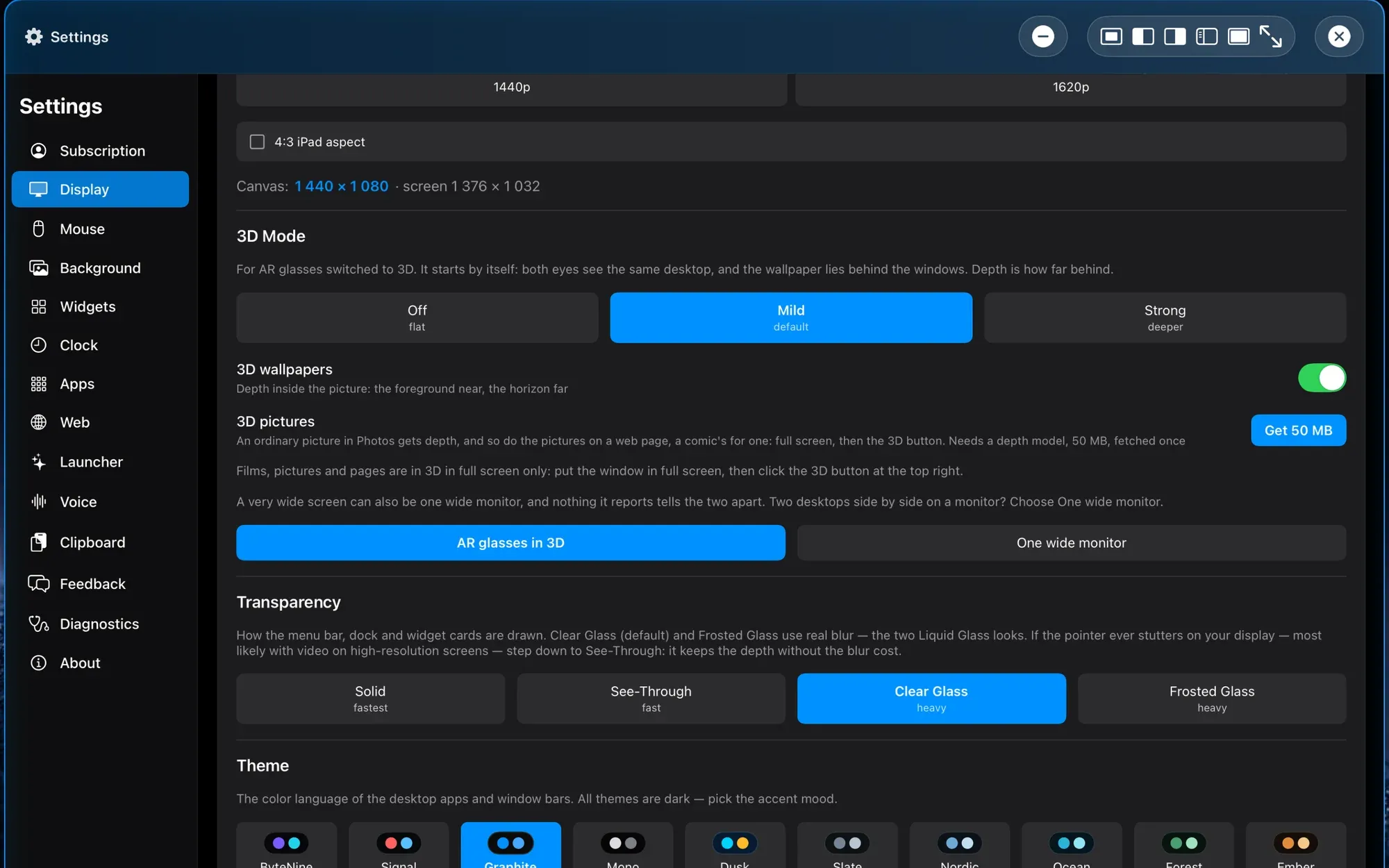
PXS 1.2 adds a 3D mode for AR glasses. The desktop is drawn once for each eye with the wallpaper behind the windows, and films, photos and the pictures on a web page get depth.
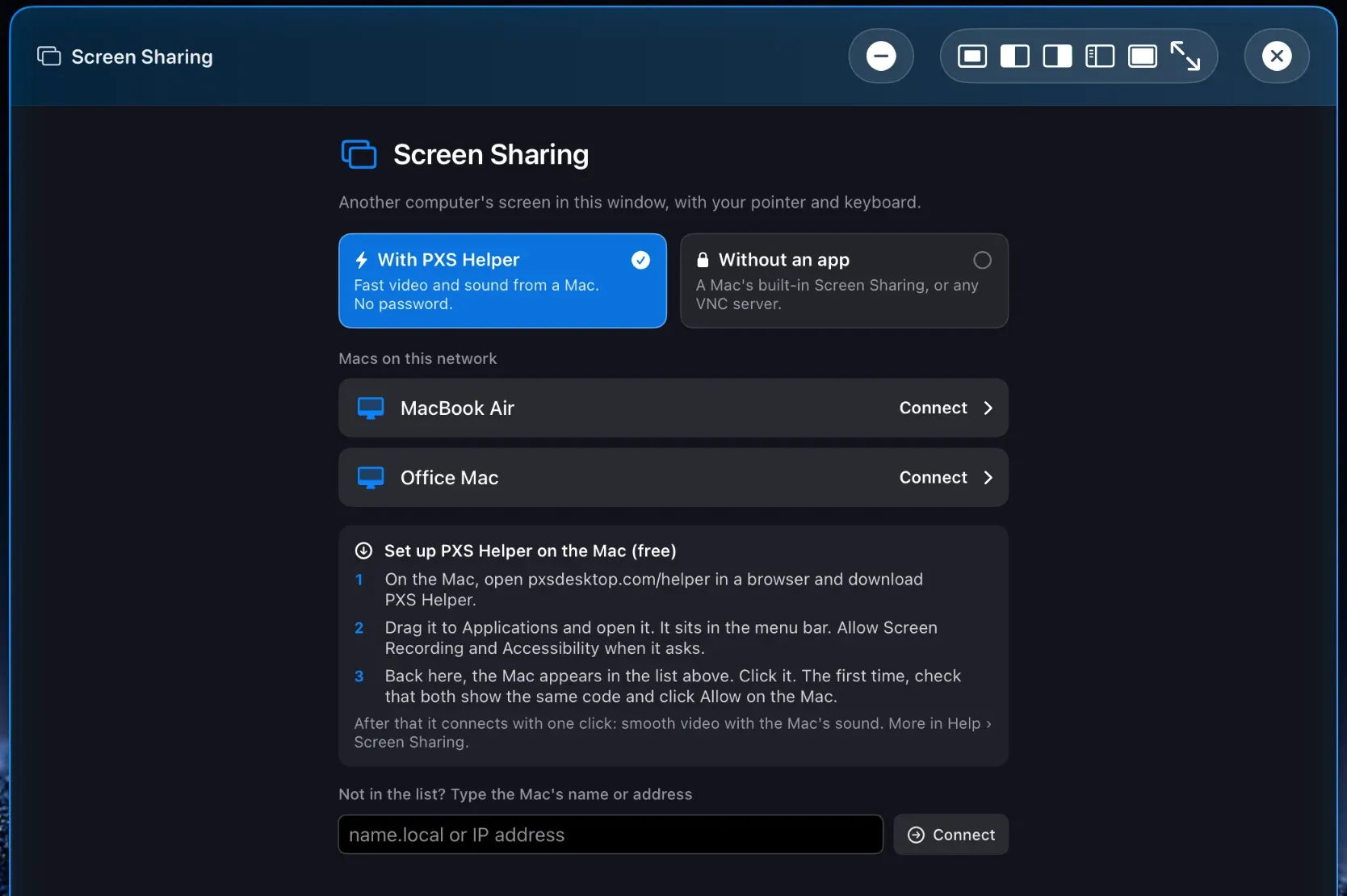
PXS 1.2 adds Screen Sharing. See and control a Mac from your PXS desktop, as smooth video with sound through the free PXS Helper, or with nothing installed through the Mac's own Screen Sharing.
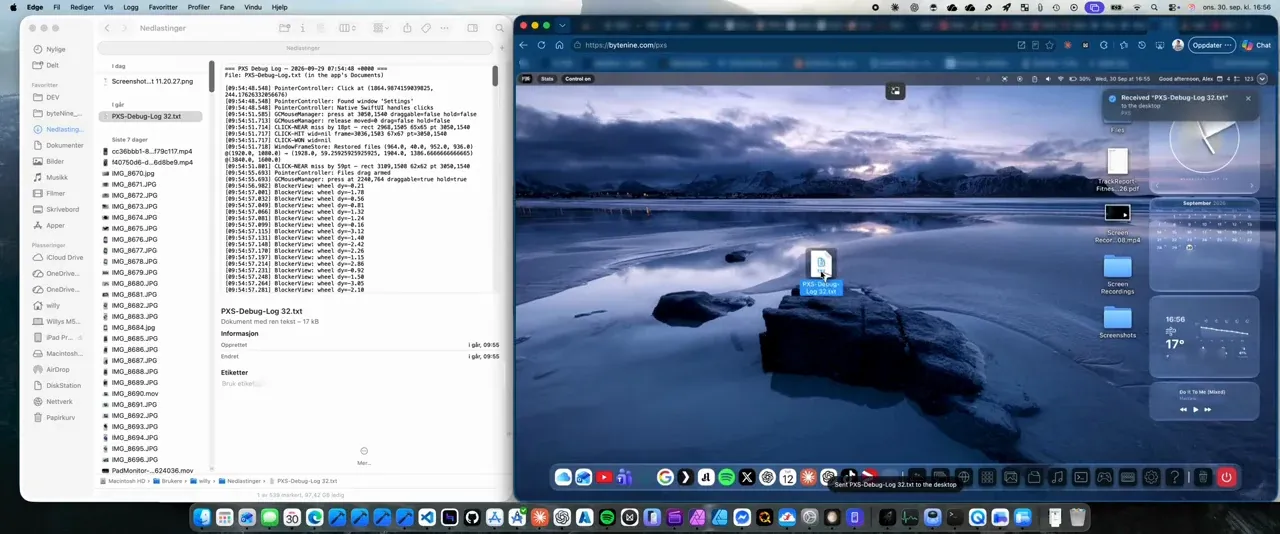
Drag files from any computer's browser straight onto your PXS desktop, or paste text with ⌘V. No cable, no app to install, no account.
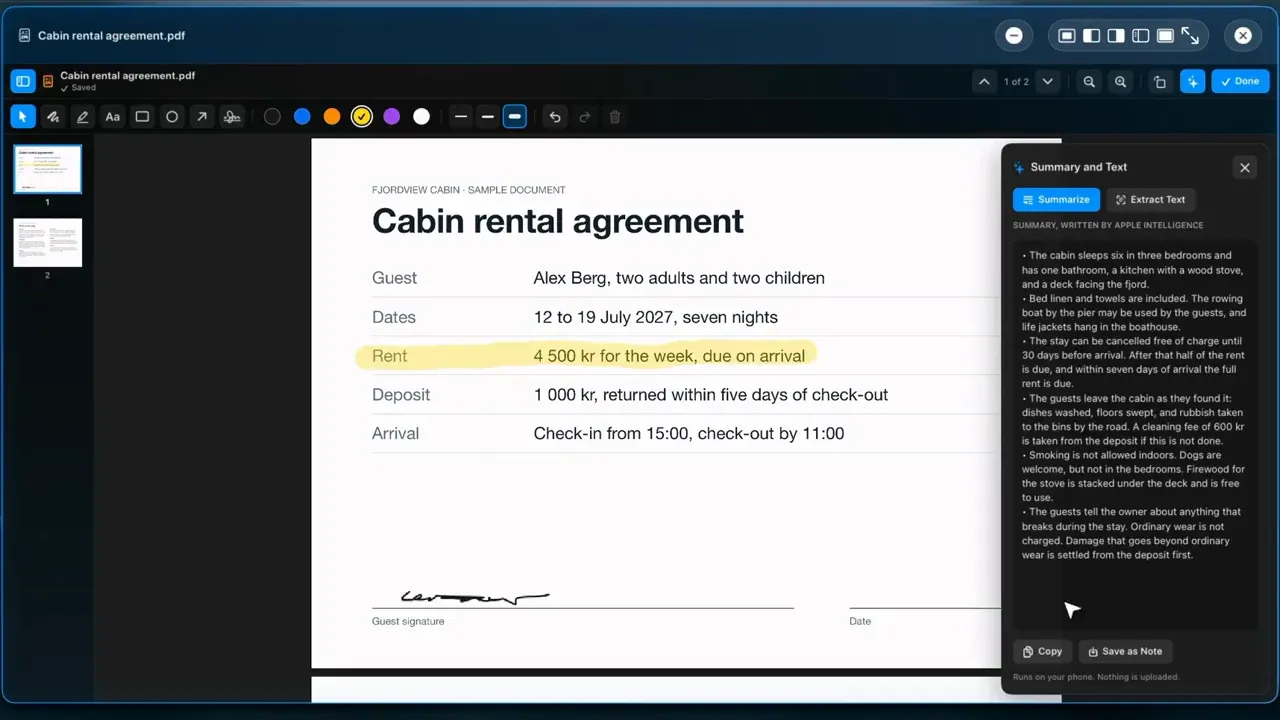
PXS 1.1 brings a Preview app to the desktop. Highlight a line, drop in your signature, and let your phone summarize a long document without uploading it.
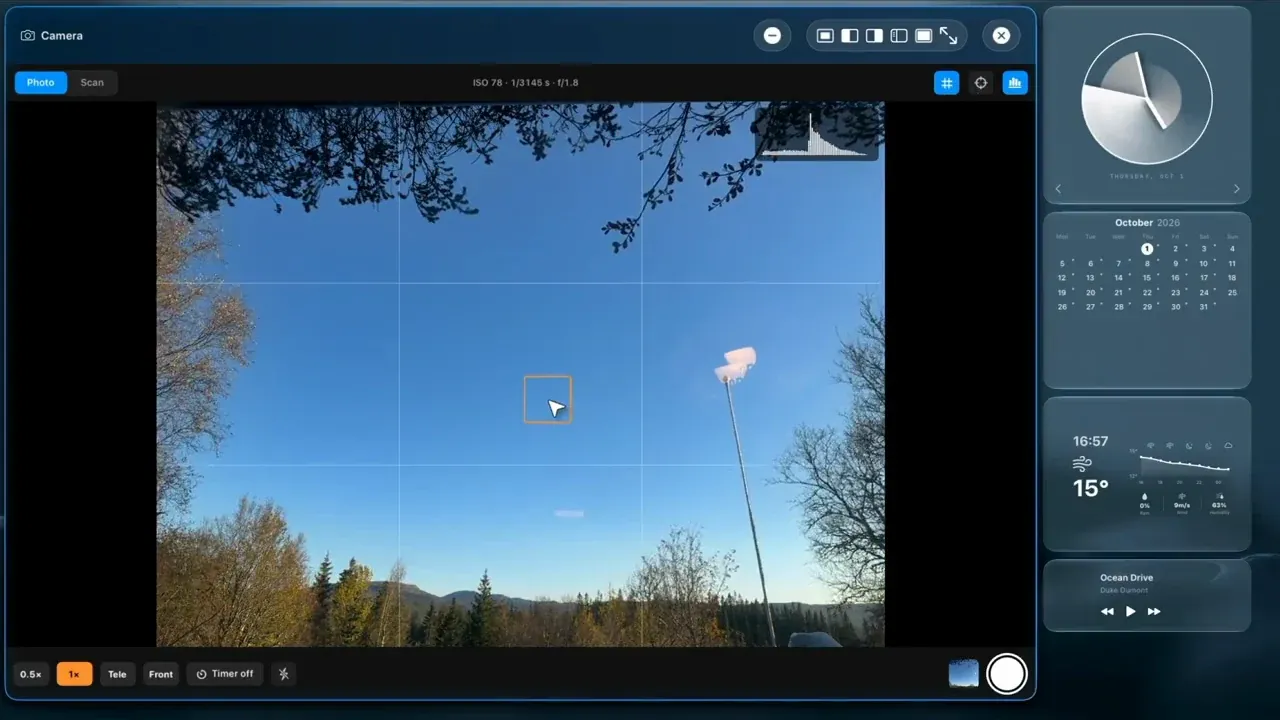
In PXS 1.1 the phone's camera gets a window on the desktop. Frame a photo on the big screen, or scan paper straight into a PDF.
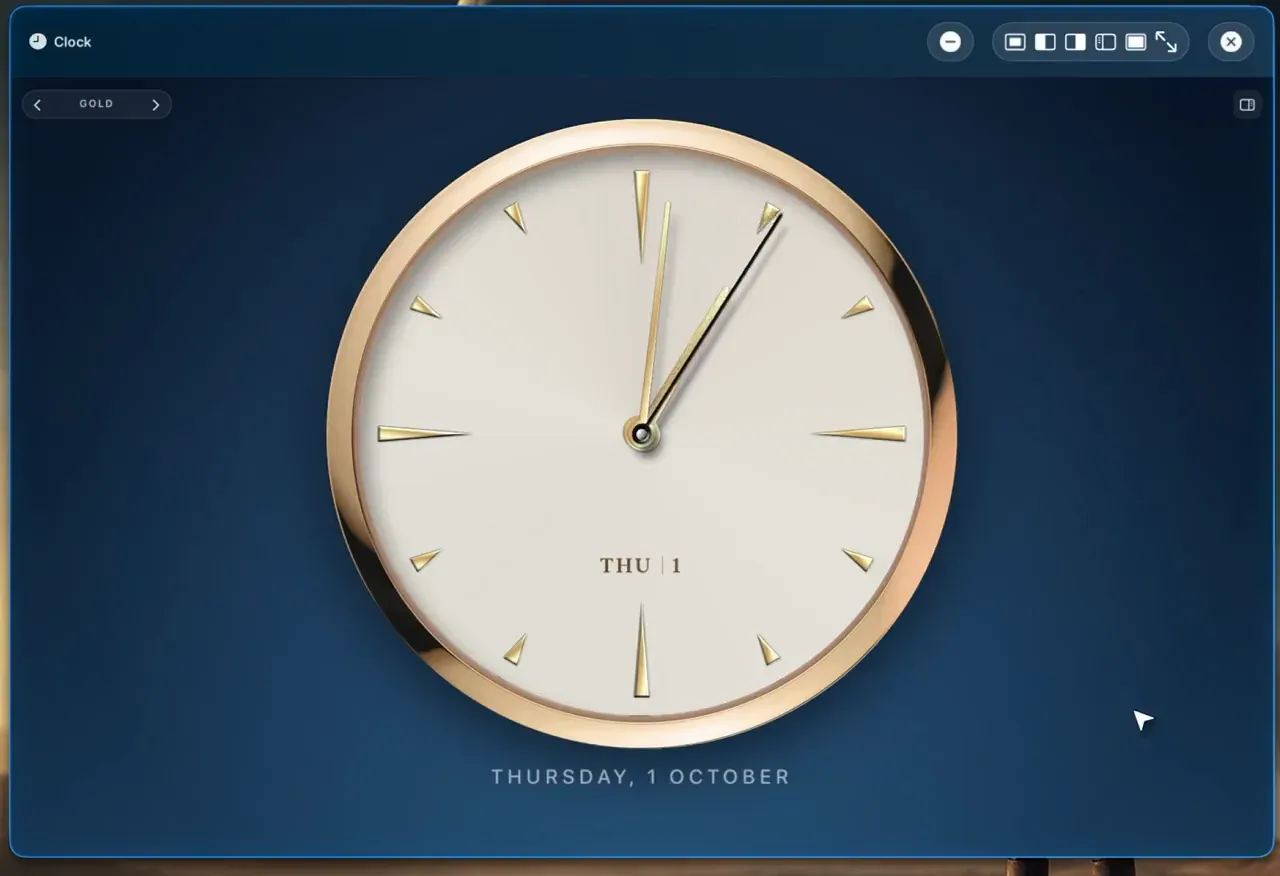
PXS 1.1 has a Clock app. Large clock faces on a sky that follows the time of day, and alarms that ring on your phone even when PXS is closed.
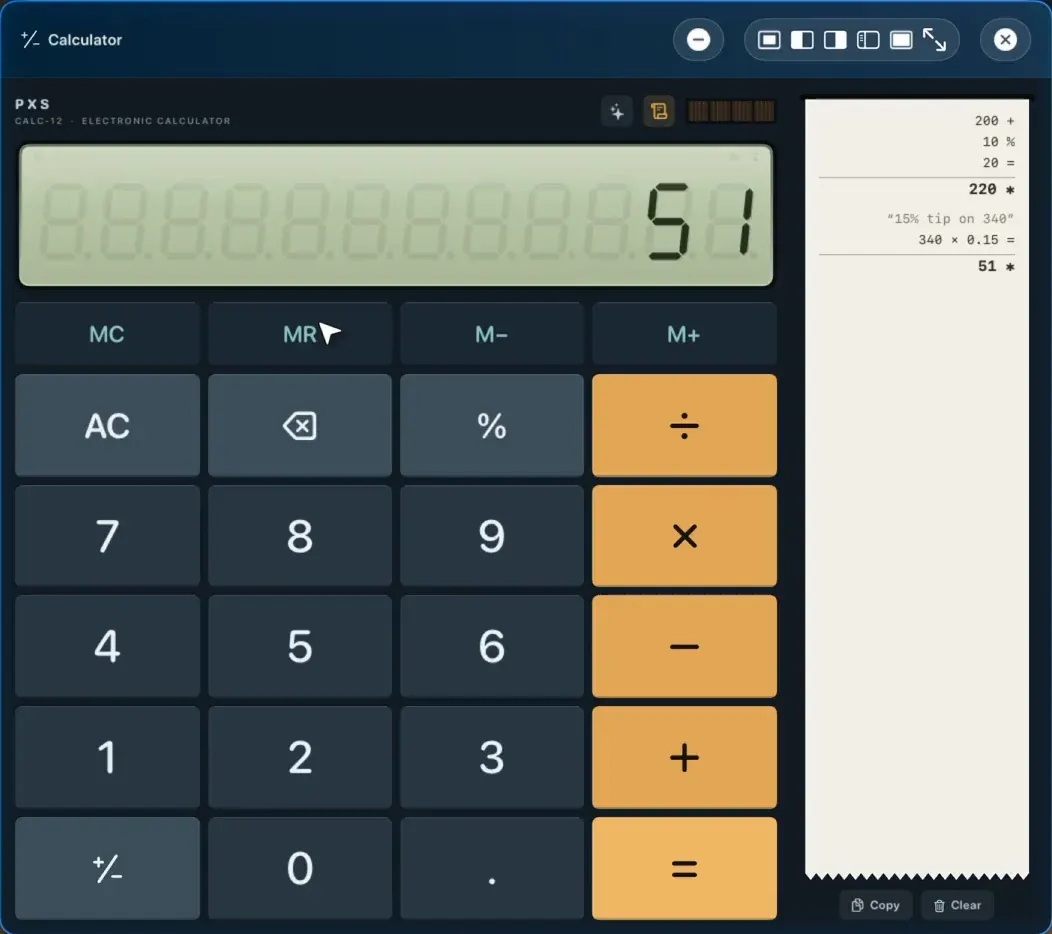
The Calculator in PXS 1.1 works like the one that used to sit on your desk, with a seven-segment display, memory keys and a tape that prints as you go. It also takes a question in plain words.
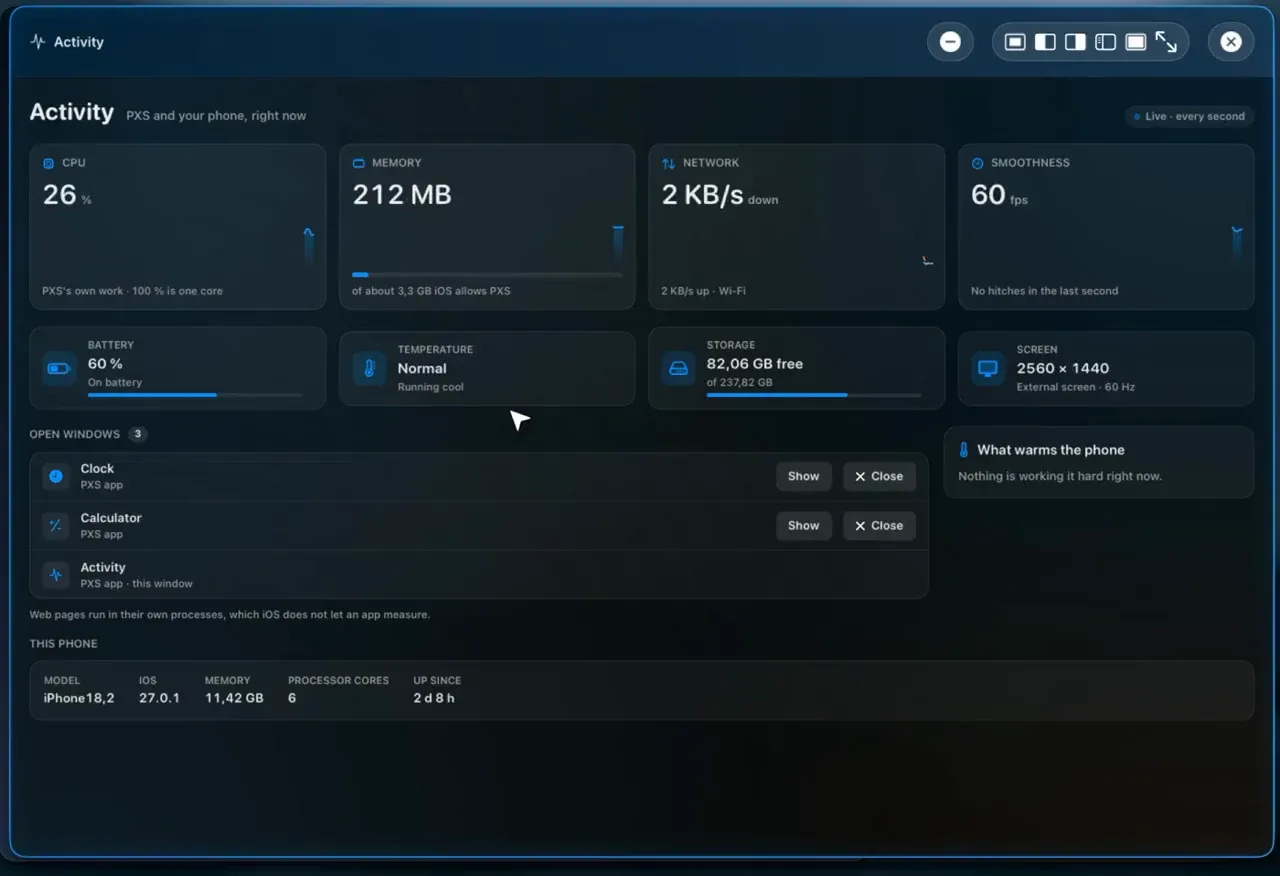
PXS 1.1 adds an Activity window. CPU, memory, network and smoothness with two minutes of history, your open windows, and what is warming the phone.
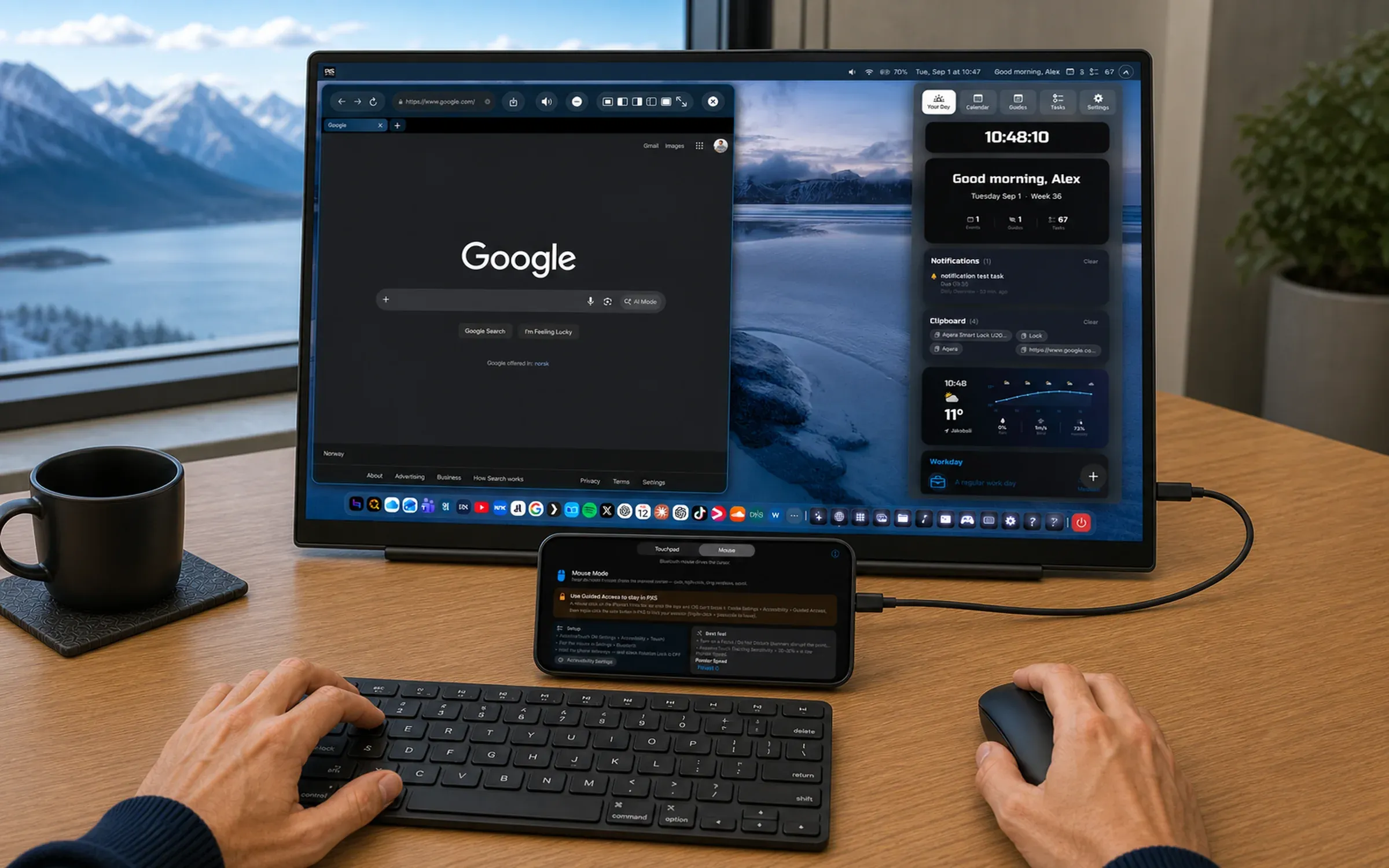
A desktop for every screen, built AnyScreen-first so it works on phones and tablets that can't drive a cable screen.
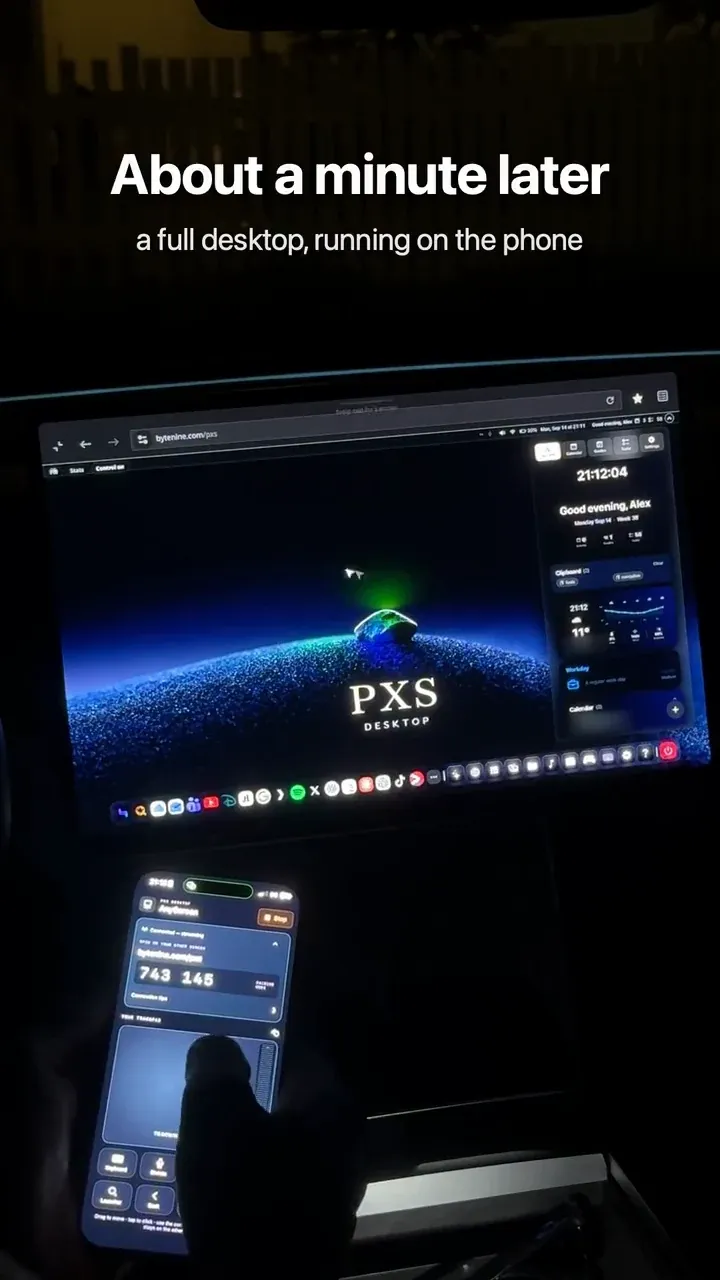
How AnyScreen turns a laptop, a smart TV or a parked car's browser into your PXS desktop in about a minute.
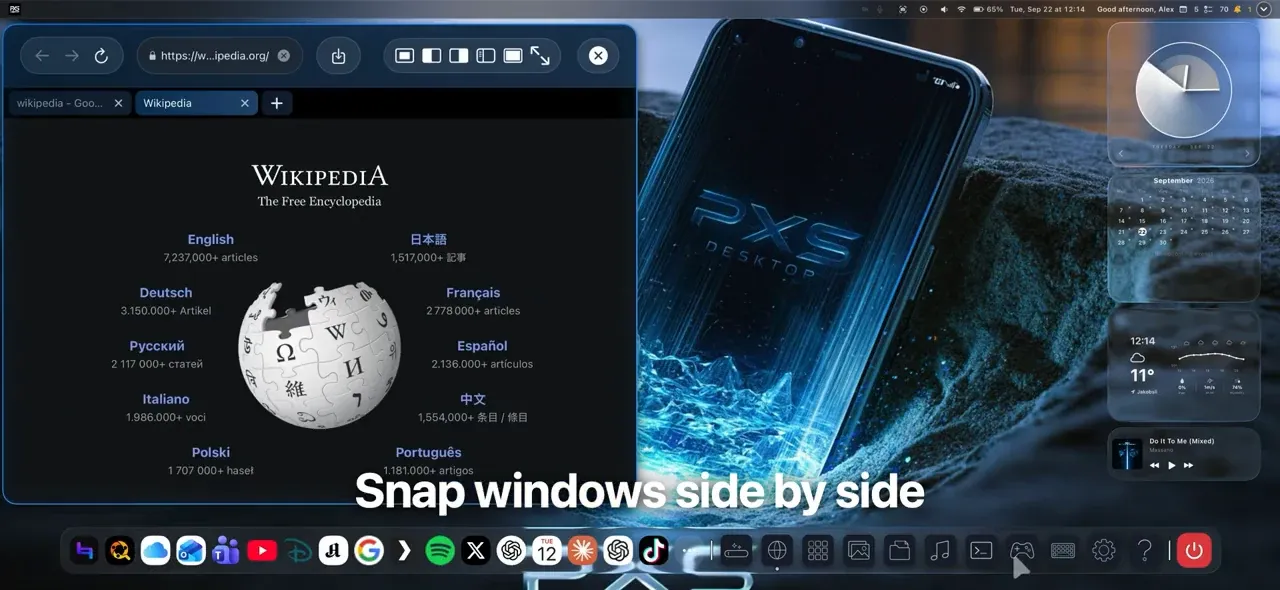
Why we built a real desktop for the phone you already carry, and what it can do on a monitor, a TV, AR glasses or any browser.